01
Ticket conversations
Read threads, reply to customers, and keep every conversation moving from your phone.
Manage tickets, replies, attachments, alerts and multiple Odoo workspaces from one fast mobile app.
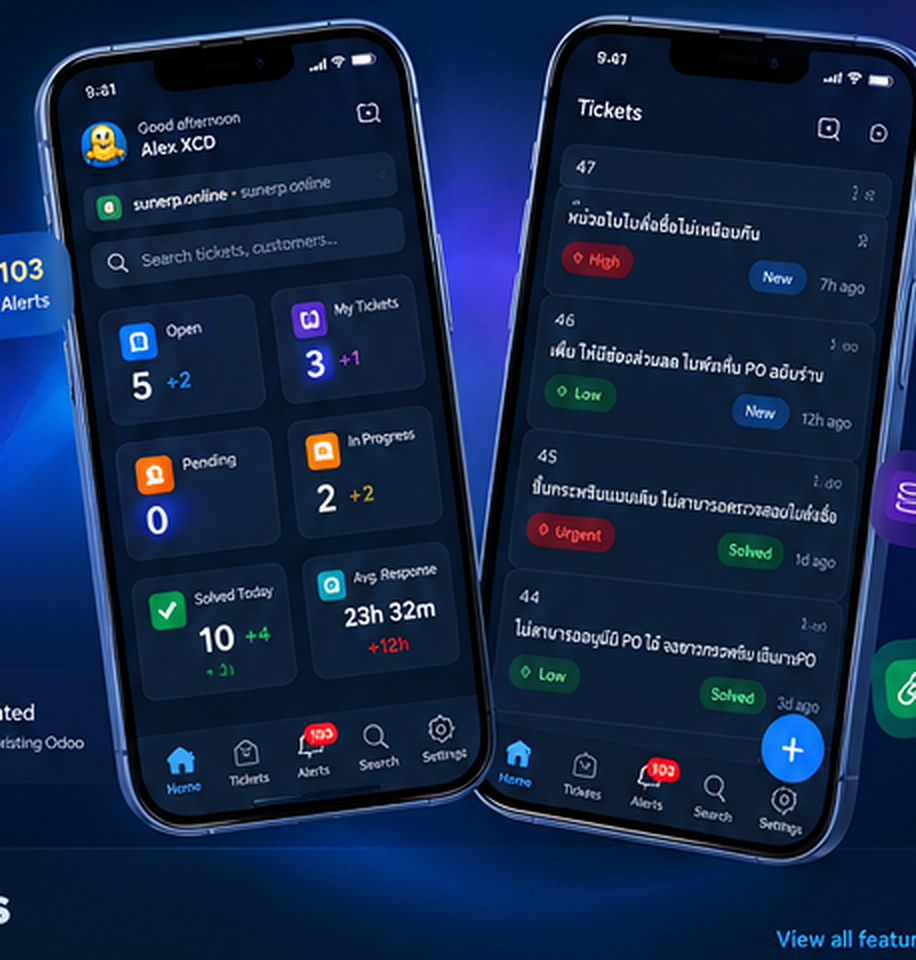
Everything close at hand
HelpDuck keeps the essential parts of your Odoo Helpdesk workflow fast, focused, and mobile.
Read threads, reply to customers, and keep every conversation moving from your phone.
Stay close to urgent requests with timely notifications for new activity and assignments.
Review the files customers send and attach what your reply needs, without returning to a desk.
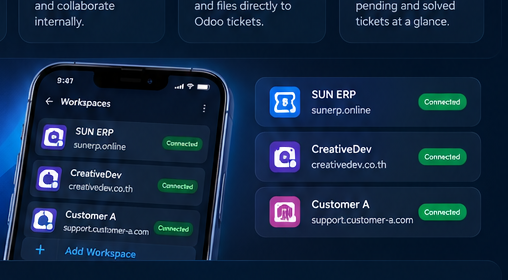
Switch between Odoo workspaces from one app while keeping every support queue organized.
Work against your Odoo helpdesk data so teams see the latest ticket updates wherever they are.
A purpose-built mobile experience for support work, with your Odoo workspace at the center.
Multi-Odoo workspaces
Move between the Odoo workspaces you support without losing your place. HelpDuck gives each workspace a clear home in one focused mobile experience.
A simpler mobile workflow
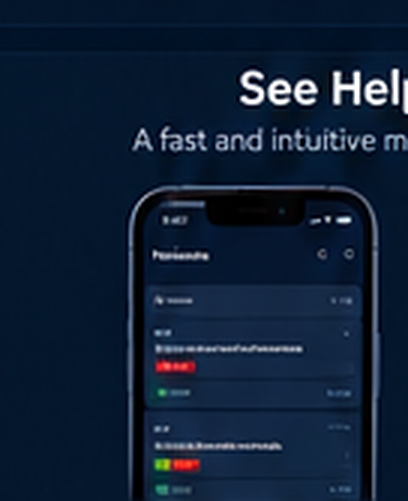
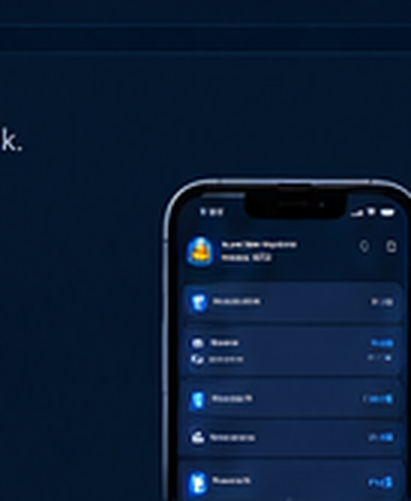
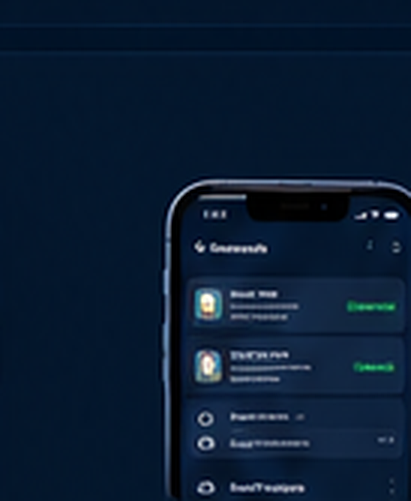
Inside HelpDuck
A fast view of the screens your support team uses most.

Made for your stack
HelpDuck brings the support workflow you already know into a focused app built for life away from the desktop.


Pricing
Use one Odoo workspace for free. Premium unlocks multi-workspace support.
One full Odoo workspace, with every core helpdesk feature.
For teams that support more than one Odoo workspace.
Premium will be available as an upgrade inside the HelpDuck app.
HelpDuckHelpDuck goes where your team goes.
Docs
Everything you need to connect HelpDuck to your Odoo Helpdesk.
Get the app from Google Play on Android or from the App Store on iPhone.
Open Workspaces, tap Add Workspace, and connect your Odoo system with your Odoo address and login. It shows as Connected when it is ready.
Use the Tickets tab to open a ticket, reply or add a note, attach a file, change its stage, and resolve it.
The Alerts tab collects new activity, and the Home tab shows your open, pending and in-progress counts.
FAQ
A few quick answers before you bring your helpdesk along.
Support
Find an answer yourself, or reach the team behind HelpDuck.
Set up HelpDuck and connect your Odoo workspace step by step.
Open the guideQuick answers to the questions people ask before they start.
Browse the FAQHelpDuck is built by CREATIVE DEV COMPANY LIMITED. Email us with questions, issues or feedback.
[email protected]Sign in
Sign-in happens in the HelpDuck app, not on this website.

